
How to Send Media via WhatsApp API (Images, PDFs & Video): The Ultimate 2025 Guide
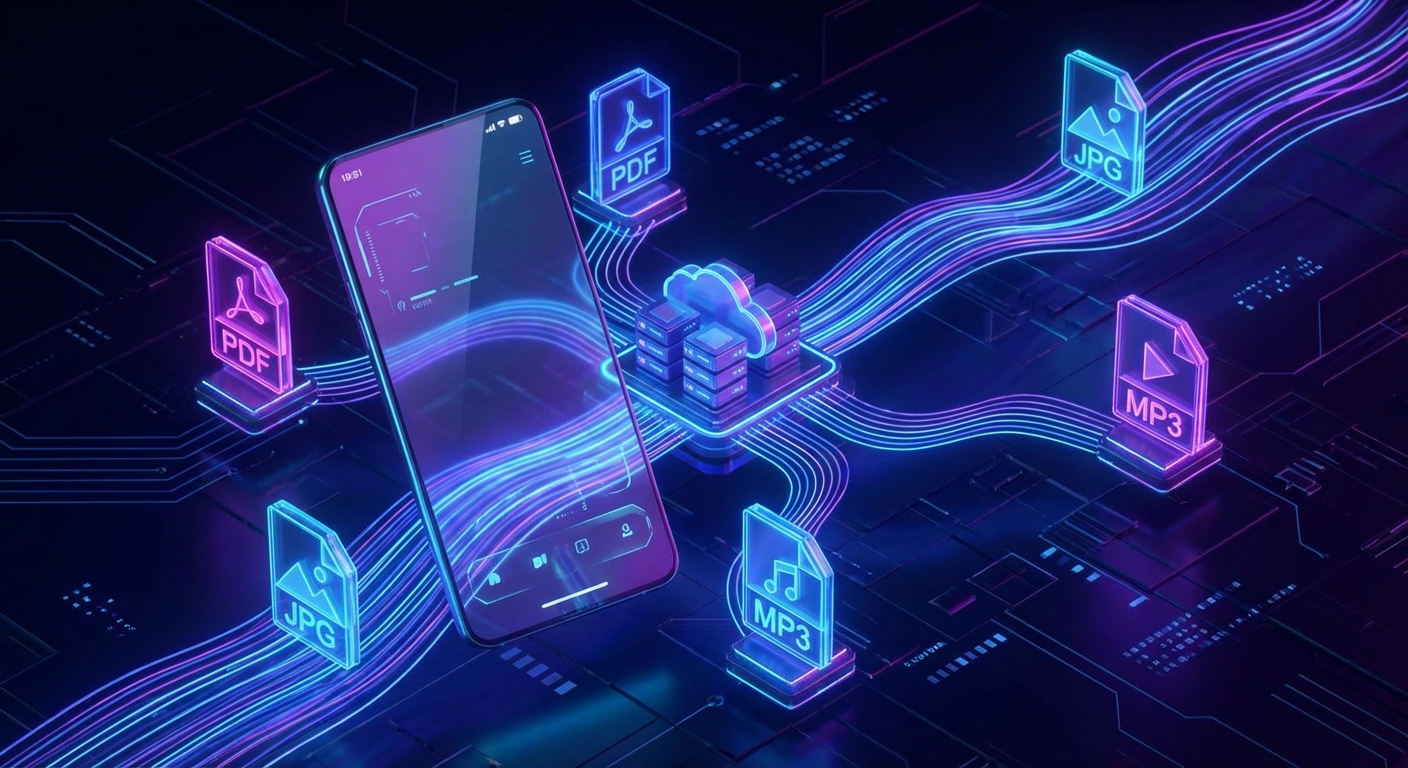
Text-only messages are rapidly becoming a thing of the past. If you want to capture your audience's attention, drive higher engagement rates, and deliver a premium customer experience, you need to leverage rich media. Whether it is an automated PDF invoice, a promotional product image, or an instructional video, knowing exactly how to send media via WhatsApp API is an absolute game-changer for developers and businesses in 2025.
While standard text messages are great for quick notifications, rich media builds trust and provides immediate value. Imagine a customer completing a purchase and instantly receiving their receipt as a beautifully formatted PDF directly on WhatsApp. Or a real estate agency automatically sending high-resolution property brochures to new leads. These are the experiences that separate average businesses from industry leaders.
In this comprehensive guide, we will dive into the technical and strategic aspects of WhatsApp media automation. We will explore the differences between sending files via URL versus Base64 encoding, provide practical code examples for Node.js, Python, and PHP, and demonstrate how platforms like WasenderAPI make media automation simple and cost-effective.
Why You Need to Send Media via WhatsApp API
Before we jump into the implementation, it is important to understand the business impact of rich media messaging. WhatsApp has over 2 billion active users and is inherently visual. People already share photos, videos, voice notes, and documents daily.
Key advantages of sending media through the API:
- Higher engagement: Images and videos dramatically increase interaction compared to plain text.
- Better user experience: Customers receive documents, QR codes, or receipts directly inside WhatsApp.
- Stronger trust: Rich content such as product images or voice notes feels more personal and credible.
- Operational efficiency: Businesses can automate delivery of invoices, documents, and reports.
Once integrated, WhatsApp becomes far more than a messaging tool — it becomes a full communication channel for your business.
Supported WhatsApp Media Types
WhatsApp supports several types of media messages. To avoid API errors and ensure proper rendering on the recipient device, files must match supported formats.
Common media types:
- Images: JPEG, PNG
- Documents: PDF, DOC, DOCX, XLS, XLSX, PPT, TXT
- Audio: MP3, OGG, AAC
- Video: MP4
Although some APIs allow large files, it is still recommended to compress media for faster delivery and improved user experience.
URL vs Base64 When Sending Media
There are two main ways to deliver files through messaging APIs.
Sending via Public URL
This is the most efficient method. You provide a direct URL to a file hosted on your server.
Advantages:
- Smaller request payload
- Faster API requests
- Ideal for static files such as product images
Limitations:
- The file must be publicly accessible
- Not suitable for highly sensitive documents
Sending via Base64
Base64 converts a binary file into a text string that is embedded directly in the API request.
Advantages:
- Maximum privacy
- No public file hosting required
Limitations:
- Larger request size
- Higher memory usage
Sending Media Using WasenderAPI
WasenderAPI provides a straightforward endpoint for sending WhatsApp messages with media attachments.
Endpoint:
POST https://www.wasenderapi.com/api/send-messageHeaders:
Authorization: Bearer YOUR_API_KEY
Content-Type: application/json
Different media types are sent by including specific fields such as imageUrl, documentUrl, audioUrl, or videoUrl.
Node.js Example: Sending an Image
const axios = require('axios');

const apiUrl = "https://www.wasenderapi.com/api/send-message";
const apiToken = "YOUR_API_TOKEN";

const payload = {
  to: "1234567890",
  text: "Check out our new product!",
  imageUrl: "https://example.com/product.jpg"
};

axios.post(apiUrl, payload, {
  headers: {
    Authorization: `Bearer ${apiToken}`,
    "Content-Type": "application/json"
  }
})
.then(res => {
  console.log("Message sent:", res.data);
})
.catch(err => {
  console.error("Error:", err.response.data);
});
Python Example: Sending a PDF
import requests

url = "https://www.wasenderapi.com/api/send-message"

headers = {
    "Authorization": "Bearer YOUR_API_TOKEN",
    "Content-Type": "application/json"
}

payload = {
    "to": "1234567890",
    "text": "Here is your invoice.",
    "documentUrl": "https://example.com/invoice.pdf"
}

response = requests.post(url, json=payload, headers=headers)

print(response.json())
PHP Example: Sending Audio
<?php

$apiUrl = "https://www.wasenderapi.com/api/send-message";
$apiToken = "YOUR_API_TOKEN";

$data = [
    "to" => "1234567890",
    "audioUrl" => "https://example.com/welcome-message.ogg"
];

$ch = curl_init($apiUrl);

curl_setopt($ch, CURLOPT_RETURNTRANSFER, true);
curl_setopt($ch, CURLOPT_POST, true);
curl_setopt($ch, CURLOPT_POSTFIELDS, json_encode($data));

curl_setopt($ch, CURLOPT_HTTPHEADER, [
    "Authorization: Bearer $apiToken",
    "Content-Type: application/json"
]);

$response = curl_exec($ch);
curl_close($ch);

echo $response;
Real Business Use Cases
Automated media messaging opens up powerful opportunities across industries.
- E-commerce: Send product photos, order confirmations, and receipts.
- Real estate: Share property brochures and walkthrough videos.
- Education: Deliver course materials and PDF lessons.
- Customer support: Send instructional videos or troubleshooting images.
- Finance: Automatically deliver invoices and payment confirmations.
Best Practices for Media Messaging
- Keep media file sizes small for faster delivery.
- Always include a short text caption to provide context.
- Use high-quality images for marketing messages.
- Avoid sending large videos unless necessary.
- Test your messages across different devices.
Conclusion
Rich media messaging is quickly becoming the standard for modern communication. Businesses that automate images, documents, audio, and video delivery through WhatsApp gain a significant competitive advantage.
By integrating a developer-friendly solution like WasenderAPI, you can quickly implement media automation without dealing with the complexity of the official WhatsApp Business API.
Whether you are sending invoices, marketing images, or onboarding videos, mastering how to send media via WhatsApp API will allow you to create faster, more engaging, and more reliable customer interactions.
Related Posts

n8n + WaSenderAPI: Master WhatsApp Automation Without Code (2025 Guide)
Discover the most affordable WhatsApp automation solution only $6/month with WaSenderAPI combined with no-code n8n workflows. Build perfect, custom WhatsApp automations quickly and easily without coding. Follow our step-by-step guide to save costs while creating powerful, scalable, and secure WhatsApp messaging for your business.

Create a Free WhatsApp AI Chat Bot with Python and Gemini (Full Guide)
Learn how to create a free WhatsApp AI chatbot using Python, Google’s Gemini API, and WaSenderAPI. This step-by-step guide helps you build and deploy an intelligent WhatsApp assistant at minimal cost no need for WhatsApp Business API.
How to Send OTP for Password Recovery Using PHP And Whatsapp API
Learn how to send OTPs for password recovery using PHP and Whatsapp API. This guide covers the step-by-step process of integrating WhatsApp OTPs, providing a secure and efficient solution for user authentication. Discover how to generate and send OTPs, validate them, and enhance security using the reliable WASenderAPI for seamless password recovery