
How to Automate WhatsApp Group Messages via API: The 2025 Developer Guide
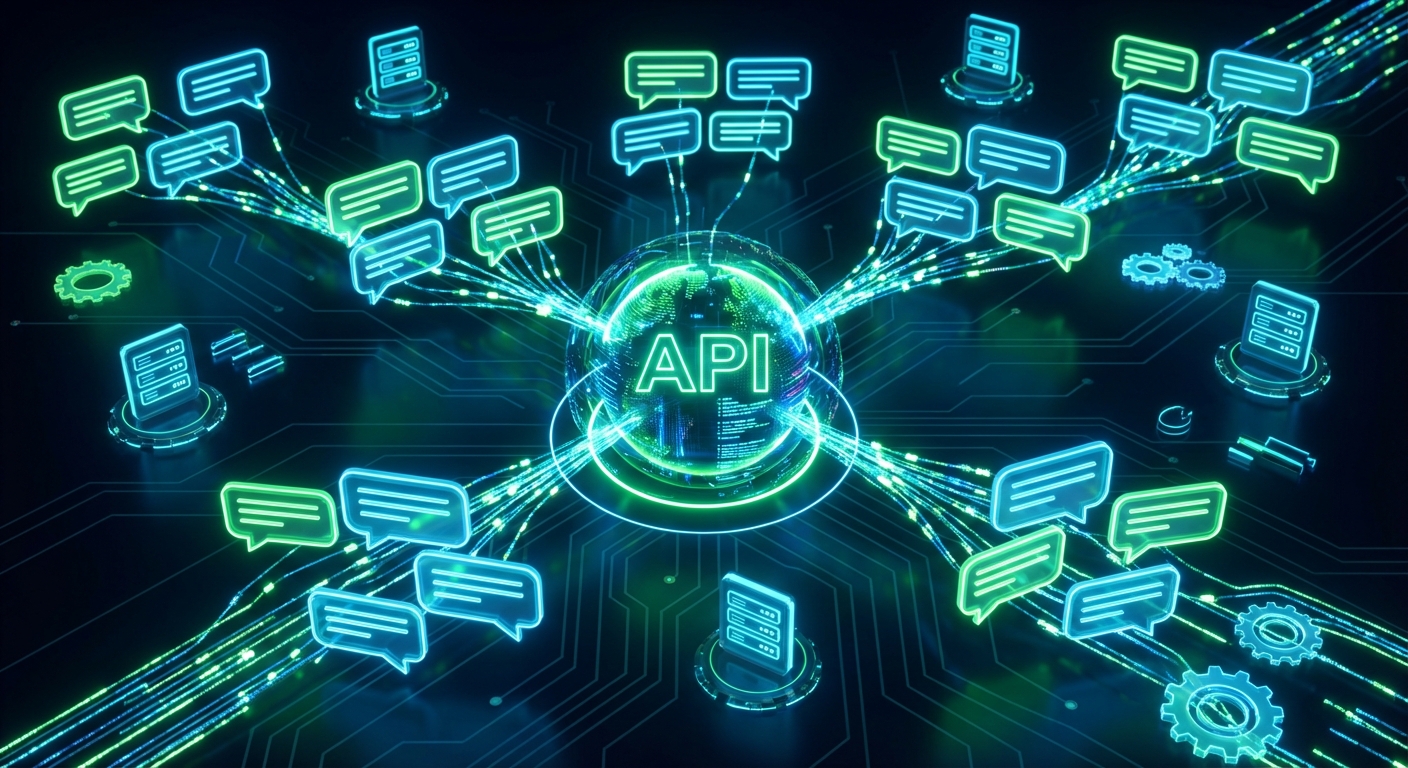
The Shift Towards Community-Led Communication
Welcome to the new era of business communication. For years, companies have hyper-focused on one-to-one messaging to drive sales and support. However, as digital communities grow, managing internal teams, VIP customer cohorts, and investor networks requires a completely different approach.
Manually updating multiple WhatsApp groups is a tedious, error-prone process that drains productivity. Whether you are sending server downtime alerts to your DevOps team or sharing daily lesson links with an educational cohort, manual broadcasting simply does not scale.
This is where leveraging a dedicated whatsapp group messaging api becomes a game-changer for developers and businesses. By programmatic integrating group management into your software stack, you can instantly distribute vital information to hundreds of participants simultaneously.
In this comprehensive 2025 guide, we will explore exactly how to automate group communication, bypass the severe limitations of official channels, and architect a scalable community management system.
The Bottleneck: Official Meta API Limitations
If you have ever tried to build group automation using the official Meta WhatsApp Business API, you likely hit a massive roadblock. Meta's official infrastructure is heavily optimized for business-to-consumer (B2C) transactional messaging and customer support.
The official API imposes strict limitations on group creation, participant management, and bulk group messaging. In many cases, adding users to a group via the official API requires complex opt-ins, and sending automated broadcasts to groups is heavily restricted or entirely unsupported depending on your tier.
Furthermore, official API pricing is based on a per-conversation model. If you are constantly pinging an internal team group with automated system alerts, those costs can skyrocket unnecessarily.
This is precisely why developers are pivoting to unofficial alternatives. An unofficial API acts as a bridge to standard WhatsApp Web protocols, granting you the exact same group capabilities a human user has, but powered entirely by backend code.
What is a WhatsApp Group Messaging API?
A whatsapp group messaging api is a programmatic interface that allows developers to interact with WhatsApp groups automatically. Instead of relying on a human to open the app, find the group, and type a message, your server handles the entire workflow.
With a robust API, you can authenticate a standard WhatsApp number and command it to perform complex group actions. This includes sending text, distributing rich media, adding new participants, or even scraping group metadata for analytics.
Because it utilizes the standard WhatsApp protocol, the API recognizes groups via unique identifiers known as JIDs (Jabber IDs). Every group on WhatsApp has a specific JID ending in @g.us. Once your system knows this ID, routing messages to the group is as simple as sending a standard HTTP POST request.
This architecture unlocks unparalleled flexibility. You can connect your group messaging logic directly to your CRM, your server monitoring tools, or your custom SaaS backend.
7 Powerful Use Cases for Group Automation
Before diving into the technical architecture, it is crucial to understand the massive business value of automating group chats. Here are the top use cases dominating the landscape in 2025.
1. DevOps and Server Monitoring Alerts
When a critical server goes down, email alerts are often ignored or delayed. By integrating your API with tools like Datadog, Grafana, or AWS CloudWatch, you can instantly push high-priority alerts directly into your engineering team's WhatsApp group.
2. Educational Platforms and Cohorts
E-learning platforms thrive on community engagement. Course creators can use automation to automatically drop daily Zoom links, PDF assignments, and motivational prompts into student cohort groups at scheduled times.
3. Internal Corporate Communication
Human Resources and internal operations teams can automate the distribution of weekly company newsletters, policy updates, or holiday reminders to department-specific WhatsApp groups, ensuring 100% visibility.
4. Real Estate Investor Syndicates
Real estate agencies often manage VIP groups of high-net-worth investors. When a lucrative off-market property becomes available, the API can instantly broadcast the property brochure and details to the investor group, driving immediate action.
5. E-Commerce VIP Flash Sales
Brands with loyal customer bases often create exclusive VIP groups. Automating flash sale announcements and limited-time discount codes directly to these groups creates a sense of urgency and exclusivity that skyrockets conversion rates.
6. Logistics and Fleet Management
Dispatchers managing fleets of drivers can use group automation to broadcast weather warnings, road closures, or general shift updates to regional driver groups, keeping everyone safe and informed in real-time.
7. Event and Conference Management
Event organizers can automate schedule changes, speaker announcements, and networking venue updates to attendee groups, ensuring everyone has the latest information right in their pockets.
Architecting Your Group Automation Logic
Building a seamless group automation system requires a logical, step-by-step approach. You do not need complex SDKs; you simply need to understand the flow of data between your server and the API provider.
First, your application must authenticate a WhatsApp session. This is typically done by scanning a QR code, which links your designated WhatsApp number to the API gateway. Once connected, your session remains active and ready to receive commands.
Second, you must retrieve your group JIDs. A high-quality API will offer an endpoint to fetch all active chats associated with your number. By filtering this list for IDs ending in @g.us, you can map your group names to their respective technical IDs in your database.
Finally, you construct your message payload. This payload includes the target group JID and the content you wish to send. When your application triggers an event, it sends this payload to the API, which instantly relays it to the WhatsApp group.
For detailed endpoint structures and payload formatting, developers should always refer to the official API documentation.
Managing Participants Automatically
Sending messages is only half the battle. True community management requires dynamic participant control. A comprehensive API allows you to programmatically add and remove users from groups based on external triggers.
For instance, if a user cancels their premium SaaS subscription, your billing system via a webhook can trigger an API call to automatically remove that user's phone number from the VIP WhatsApp group.
Conversely, when a new employee is onboarded in your HR software, the API can automatically add their phone number to the relevant departmental groups. This eliminates the manual administrative overhead of managing group rosters.
You can also automate administrative privileges. If a community moderator is assigned in your backend dashboard, the API can instantly promote their WhatsApp number to a group admin, granting them native moderation tools.
Handling Incoming Group Data via Webhooks
Automation is not a one-way street. To build highly interactive communities, your system needs to listen to what is happening inside the group. This is achieved through real-time webhooks.
By configuring a webhook URL in your API dashboard, every message sent within the group is forwarded to your server as a JSON payload. This allows you to build powerful, AI-driven group bots.
Imagine a scenario where an employee types @support I need help with my laptop in a company group. Your webhook receives this text, identifies the trigger word, processes the request through an internal ticketing system, and automatically replies in the group with a support ticket number.
Webhooks also allow you to monitor group sentiment, track engagement metrics, and automatically delete messages that contain restricted keywords or spam links, acting as an automated community moderator.
Sending Rich Media and Documents to Groups
Text alone is rarely enough to keep a community engaged. Modern APIs fully support the transmission of rich media, including images, videos, audio files, and documents.
When sending media to a group, your server typically passes a publicly accessible URL of the file in the API payload. The API downloads the file, processes it, and injects it into the group chat natively.
This is incredibly useful for automated reporting. A financial software system could generate a weekly PDF summary of market performance and automatically drop it into an investor group every Friday at 5 PM.
Similarly, retail brands can automate the distribution of high-resolution promotional videos to their affiliate marketing groups, ensuring all partners have the latest marketing assets without manual distribution.
Anti-Ban Strategies for Group Automation
Operating an unofficial API requires a strict adherence to anti-ban best practices. WhatsApp's automated security algorithms are highly sensitive to spam-like behavior, even within groups.
First and foremost, never use automation to add users to a group who have not explicitly opted in. Sudden spikes in group creation or mass-adding unknown contacts is the fastest way to trigger an account ban.
Secondly, respect rate limits. Even though it is a group chat, sending 50 automated messages per minute to a single group will flag your account for suspicious robotic activity. Implement natural delays and pacing in your backend code.
Thirdly, ensure your group content is highly relevant and expected by the participants. If multiple group members report your automated messages as spam, WhatsApp will swiftly restrict your number. Quality and consent are your best defenses against bans.
Connecting to No-Code Platforms
You do not have to be a hardcore backend developer to leverage group automation. The beauty of modern REST APIs is their seamless compatibility with no-code integration platforms like n8n, Make.com, and Zapier.
By using standard HTTP request modules in these platforms, you can visually map out your group automation workflows. For example, you can create a Zap that watches a specific Google Drive folder.
Whenever a new file is uploaded to that folder, Zapier extracts the file URL and sends a POST request to your WhatsApp API, instantly sharing the new document with your designated WhatsApp group.
This democratization of automation means marketing teams, operations managers, and founders can build sophisticated community management systems without writing a single line of complex code.
Conclusion
As businesses continue to prioritize community building and real-time alerts, mastering group automation is no longer optional; it is a competitive necessity. Moving away from manual broadcasts saves countless hours and eliminates human error.
By integrating a reliable whatsapp group messaging api into your infrastructure, you unlock the ability to manage participants dynamically, distribute rich media instantly, and keep your teams and customers perfectly synchronized.
Whether you are building complex DevOps alerting systems, managing massive e-learning cohorts, or simply streamlining internal corporate communication, the right API strategy will transform how you interact with your digital communities in 2025 and beyond.
Related Posts

n8n + WaSenderAPI: Master WhatsApp Automation Without Code (2025 Guide)
Discover the most affordable WhatsApp automation solution only $6/month with WaSenderAPI combined with no-code n8n workflows. Build perfect, custom WhatsApp automations quickly and easily without coding. Follow our step-by-step guide to save costs while creating powerful, scalable, and secure WhatsApp messaging for your business.

Create a Free WhatsApp AI Chat Bot with Python and Gemini (Full Guide)
Learn how to create a free WhatsApp AI chatbot using Python, Google’s Gemini API, and WaSenderAPI. This step-by-step guide helps you build and deploy an intelligent WhatsApp assistant at minimal cost no need for WhatsApp Business API.
How to Send OTP for Password Recovery Using PHP And Whatsapp API
Learn how to send OTPs for password recovery using PHP and Whatsapp API. This guide covers the step-by-step process of integrating WhatsApp OTPs, providing a secure and efficient solution for user authentication. Discover how to generate and send OTPs, validate them, and enhance security using the reliable WASenderAPI for seamless password recovery