WhatsApp API for CRM: How to Build WhatsApp Into Your CRM
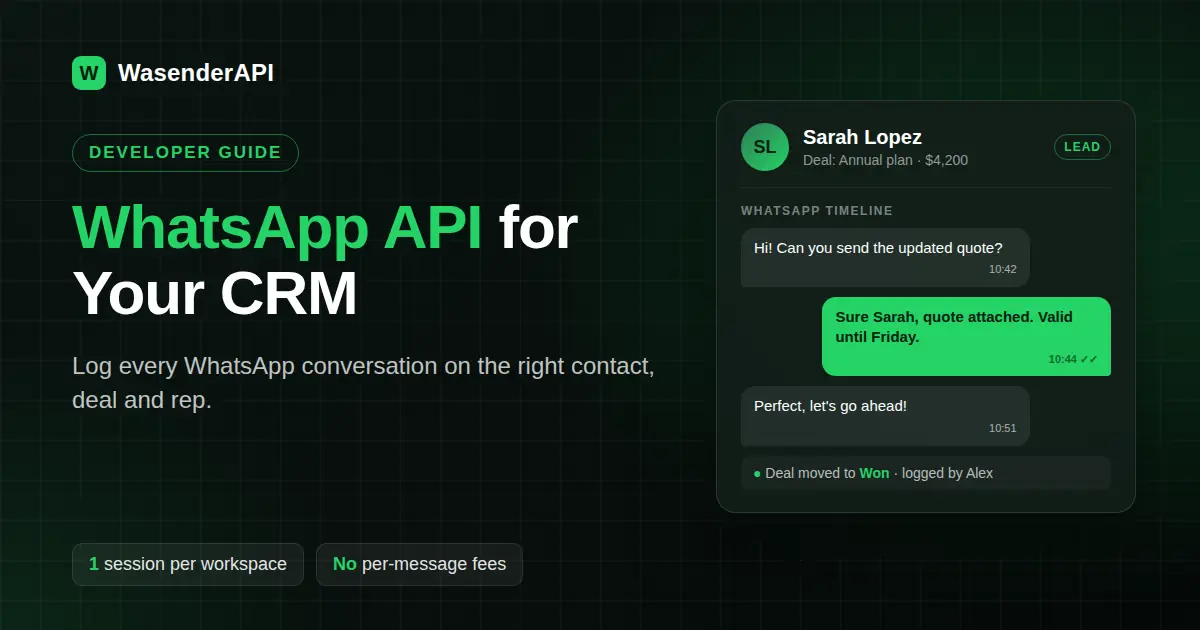
If you build CRM software, your customers have probably asked for WhatsApp more than any other channel. Their own clients reply faster on WhatsApp than on email, and their sales reps are already chatting from personal phones, outside the CRM, where nothing gets logged.
This guide is for the team that builds the CRM. It walks through choosing a WhatsApp API for CRM software, the data model you need, a working webhook and send flow in Node.js, and how to package and price WhatsApp so it becomes a paid feature instead of a support headache.
In short: with the WasenderAPI Partner Program, each of your CRM workspaces connects its own WhatsApp number by scanning a QR code inside your app. Messages flow in and out through a REST API and webhooks, and you pay per active session (from $4.80 per month at 100+ sessions) with no per-message fees.
Why does a CRM need native WhatsApp?
A CRM is only as good as the conversations it captures. When WhatsApp lives on a rep's phone, the CRM loses:
- History: nobody else can see what was promised to the customer.
- Ownership: when a rep leaves, the conversations leave with them.
- Automation: deal stage changes, reminders and follow-ups can't trigger a WhatsApp message.
- Reporting: response times and message volume are invisible to managers.
Native WhatsApp fixes all four, and it is one of the few CRM features customers will happily pay extra for.
Three ways to add WhatsApp to a CRM
| Approach | How it works | Trade-offs |
|---|---|---|
| Link to a third-party inbox | Customers sign up for a separate WhatsApp tool and connect it to your CRM | Easy for you, but customers pay someone else and leave your product to chat |
| Official Cloud API via a BSP | Each customer verifies a business with Meta and registers a number | Official and template-based, but onboarding can take days and every conversation is billed by Meta |
| Multi-tenant API (WasenderAPI Partner) | Your CRM creates a session per workspace and the customer scans a QR code | Connected in minutes, flat per-session cost, but it is an unofficial web-socket integration bound by WhatsApp's anti-spam rules |
For CRMs that serve small and mid-sized businesses, the third option usually wins: customers keep the number their clients already know, onboarding happens inside your product, and your costs don't grow with message volume.
The data model: what to store in your CRM
Before writing any integration code, decide how WhatsApp maps onto your existing objects. A simple model that works for most CRMs:
| Your table | WhatsApp fields to add |
|---|---|
| Workspace (tenant) | WasenderAPI session ID, session API key (encrypted), connection status, connected phone number |
| Contact | Phone number in international format (your matching key) |
| Activity / timeline | Direction (in or out), message text, WhatsApp message ID, delivery status, timestamp, user who sent it |
| Deal / ticket | Optional link to the conversation so messages show on the deal |
Tip: normalise every phone number to one format when you save a contact. Matching inbound WhatsApp messages to contacts is just a phone lookup, and it only works if both sides look the same.
Step by step: building WhatsApp into your CRM
1. Create a session when a workspace turns WhatsApp on
When an admin clicks "Connect WhatsApp" in your settings page, your backend creates a session with your Personal Access Token. Give each workspace its own webhook URL so every inbound event already tells you which tenant it belongs to (Create Session docs):
// Node.js 18+
const PAT = process.env.WASENDER_PAT;
const API = "https://www.wasenderapi.com/api";

async function connectWorkspace(workspace) {
  const res = await fetch(`${API}/whatsapp-sessions`, {
    method: "POST",
    headers: {
      Authorization: `Bearer ${PAT}`,
      "Content-Type": "application/json",
    },
    body: JSON.stringify({
      name: `CRM workspace ${workspace.id}`,
      phone_number: workspace.phone,
      account_protection: true,
      log_messages: true,
      webhook_url: `https://crm.example.com/webhooks/whatsapp/${workspace.id}`,
      webhook_enabled: true,
      webhook_events: ["messages.received", "messages.update", "session.status"],
    }),
  });
  const { data } = await res.json();
  return data.id; // save as workspace.wasender_session_id
}
2. Show the QR code in your settings page
Call POST /api/whatsapp-sessions/{id}/connect, then render the returned qrCode string with any QR library. The workspace admin scans it from WhatsApp on their phone. When the session.status webhook reports the session as connected, fetch the session details (GET /api/whatsapp-sessions/{id}), store its api_key encrypted, and flip the workspace to "connected" in your UI.
3. Log inbound messages on the right contact
Every inbound message arrives on the workspace's webhook. Check the X-Webhook-Signature header against your webhook secret, match the sender's phone number to a contact, and write a timeline activity:
app.post("/webhooks/whatsapp/:workspaceId", express.json(), async (req, res) => {
  if (req.get("X-Webhook-Signature") !== process.env.WASENDER_WEBHOOK_SECRET) {
    return res.sendStatus(401);
  }
  res.sendStatus(200); // acknowledge fast, then process

  const { event, data } = req.body;
  if (event !== "messages.received") return;

  const msg = data.messages;
  if (msg.key.fromMe) return;

  const workspaceId = req.params.workspaceId;
  const phone = msg.key.cleanedSenderPn;

  const contact =
    (await db.contacts.findByPhone(workspaceId, phone)) ??
    (await db.contacts.create(workspaceId, { phone, source: "WhatsApp" }));

  await db.activities.create({
    workspaceId,
    contactId: contact.id,
    channel: "whatsapp",
    direction: "in",
    text: msg.messageBody,
    externalId: msg.key.id,
  });
});
4. Send from the contact record
When a rep replies from the CRM, send with that workspace's session API key and log the outgoing activity (API docs):
async function sendFromCrm(workspace, contact, text, userId) {
  const res = await fetch("https://www.wasenderapi.com/api/send-message", {
    method: "POST",
    headers: {
      Authorization: `Bearer ${decrypt(workspace.wasender_api_key)}`,
      "Content-Type": "application/json",
    },
    body: JSON.stringify({ to: contact.phone, text }),
  });
  if (!res.ok) throw new Error(`WhatsApp send failed: ${res.status}`);

  await db.activities.create({
    workspaceId: workspace.id,
    contactId: contact.id,
    channel: "whatsapp",
    direction: "out",
    text,
    sentBy: userId,
  });
}
5. Track delivery and connection health
Use messages.update events to show sent, delivered and read ticks on the timeline, and session.status events to warn the workspace admin if their number disconnects, with a button that shows a fresh QR code.
CRM features to build on top
Once messages flow both ways, the valuable features are mostly CRM logic you already have:
- Shared inbox: one view of all WhatsApp conversations in the workspace, with assignment to reps.
- Deal stage triggers: send a message automatically when a deal moves to "proposal sent" or "won".
- Reminders: appointment, renewal and payment reminders from your existing scheduler.
- Quick replies: saved snippets reps can insert with one click.
- Documents: send quotes and invoices as files straight from the deal (the send endpoint accepts a document URL).
- Number check: verify a contact is on WhatsApp before a campaign with
GET /api/on-whatsapp/{phone}. - Reporting: first response time and messages per rep, from the activities you are already logging.
How to price WhatsApp inside your CRM
WasenderAPI partners pay a flat $6/month base fee, plus $6.00 per active session per month under 100 sessions and $4.80 per session per month at 100+ sessions. There are no per-message fees. Billing runs on a credit balance, new sessions are prorated, and the unused amount comes back when you delete a session.
For a CRM, one session usually means one connected number per workspace, which makes packaging simple:
- Paid add-on: for example $15 to $29 per workspace per month for WhatsApp.
- Higher tier only: include WhatsApp in your Pro or Business plan to push upgrades.
- Per extra number: charge for additional numbers in teams where each rep has their own line.
As an example, 150 workspaces paying a $19 add-on bring in $2,850 per month, while the WasenderAPI cost is $6 + (150 × $4.80) = $726. Because there are no per-message fees, a workspace that messages heavily costs you the same as a quiet one.
What to tell your CRM customers
Be upfront: each workspace connects its own dedicated WhatsApp number. The integration is web-socket based, not the official WhatsApp Cloud API, and messaging is subject to WhatsApp's standard anti-spam policies.
In practice, CRM conversations are a good fit for this model because they are mostly one-to-one: replies to leads, follow-ups, reminders and support. Discourage bulk cold messaging in your terms and UI, for example by limiting broadcast sizes or requiring an opt-in field on contacts, and your customers' numbers will stay healthy.
The best CRM WhatsApp features feel like a conversation with a person, not a campaign. Build for that and the channel stays reliable.
Start building your CRM WhatsApp integration
The WasenderAPI Partner Program is invite only and built for CRMs, SaaS platforms, agencies and resellers that manage WhatsApp numbers for their own customers. Tell the team about your CRM, your users and how many numbers you expect to connect.
Want to prototype first? Create an account and test the API on one number. For the bigger picture, read our guides on the white label WhatsApp API and multi-tenant WhatsApp architecture.
Frequently asked questions
What is the best WhatsApp API for CRM software?
It depends on your customers. For CRMs serving small and mid-sized businesses, a multi-tenant API like WasenderAPI is usually the best fit: each workspace connects its own number by QR code in minutes, and you pay a flat fee per session instead of per message. If your customers need Meta's official API and approved templates, use a Business Solution Provider instead.
Can each CRM workspace use its own WhatsApp number?
Yes. Each workspace gets an independent session with its own API key, connected to the number the customer scans in with.
How do I match WhatsApp messages to CRM contacts?
Use the sender's phone number from the webhook (cleanedSenderPn) and look it up against your contacts' normalised phone numbers. Create a new contact when there is no match.
How much does WhatsApp cost per CRM workspace?
Partners pay $6.00 per active session per month under 100 sessions and $4.80 at 100+ sessions, plus a flat $6/month base fee. There are no per-message fees.
Will my CRM customers see the WasenderAPI brand?
No. They connect from your settings page and chat from your interface. WasenderAPI stays in the background.
Is this the official WhatsApp Business API?
No. It is a web-socket based integration, not Meta's official Cloud API, and it follows WhatsApp's standard anti-spam policies.