
How to Automate WhatsApp Delivery Notifications to Cut Support Tickets by 70%
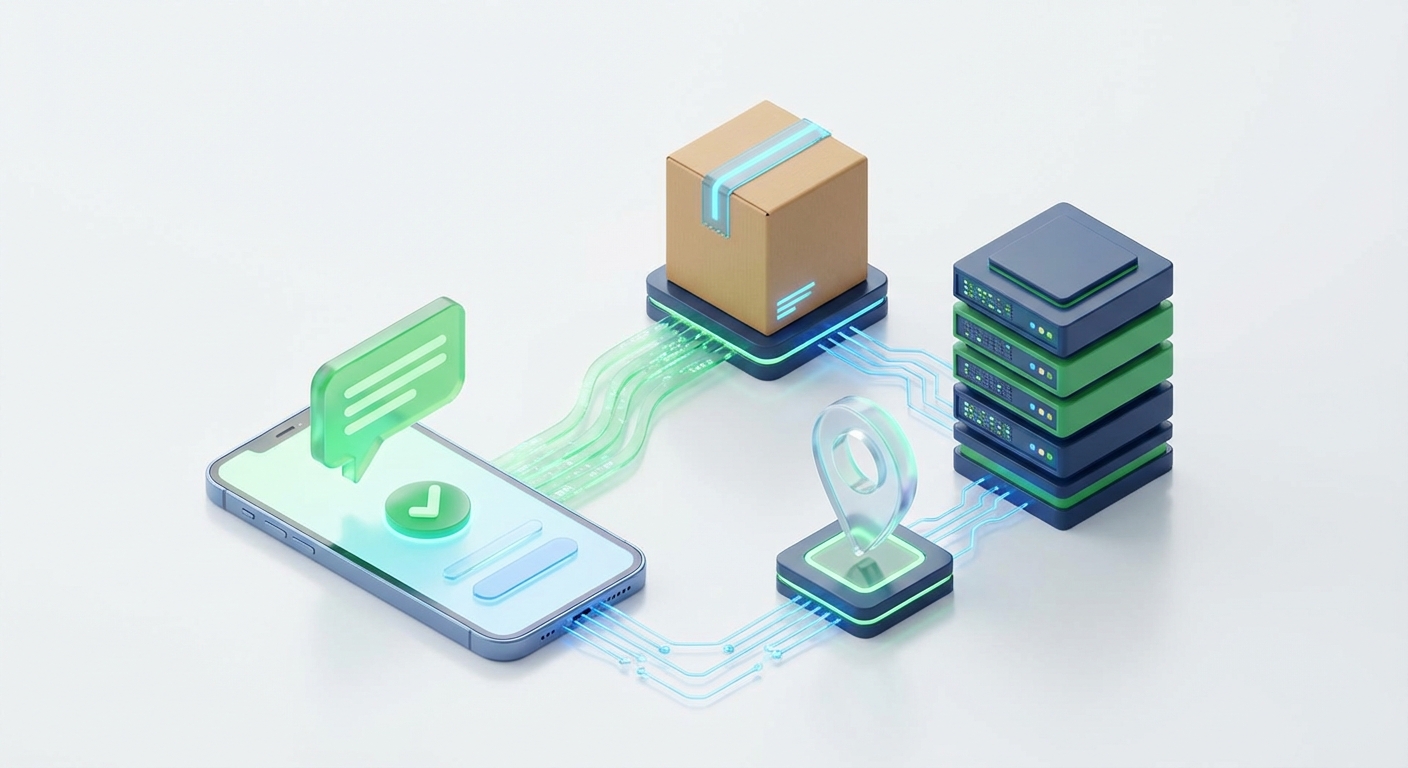
The Hidden Cost of WISMO and the Need for Proactive Messaging
If you run an e-commerce brand, a local delivery service, or a large-scale logistics company, you are likely intimately familiar with the dreaded acronym: WISMO. "Where is my order?" inquiries are the bane of customer support teams worldwide. Every single time a customer reaches out to ask for a tracking update, it costs your business valuable time, money, and human resources. The frustration is mutual; customers hate waiting in the dark just as much as your support agents hate answering the same repetitive questions. The most effective solution is to proactively automate WhatsApp delivery notifications.
By choosing to automate WhatsApp delivery notifications, you intercept customer anxiety before it even forms. You provide real-time, highly visible updates on the exact platform your customers already use daily. In this comprehensive guide, we will explore the strategic implementation of automated tracking messages, the psychological benefits of proactive communication, and the technical workflows required to build a seamless post-purchase experience.
Modern consumers demand absolute transparency. When they click the checkout button, a psychological clock starts ticking. They want to know the precise moment their package leaves the warehouse, when it is in transit, and exactly when it will land on their doorstep. Traditional channels simply do not cut it anymore, making WhatsApp the ultimate tool for modern logistics communication.
Why You Must Automate WhatsApp Delivery Notifications Over Email and SMS
For years, businesses have relied on automated emails and standard SMS text messages to keep buyers informed. While these methods were once the industry standard, they are rapidly losing their effectiveness in a mobile-first world. Understanding the limitations of legacy channels is the first step toward modernizing your customer experience.
The Downfall of Traditional Email Tracking
Email inboxes are chaotic, overcrowded, and heavily filtered. When you send a delivery update via email, there is a high probability it will be routed to a "Promotions" tab or swallowed entirely by an aggressive spam filter. Even if the email lands in the primary inbox, the average open rate for e-commerce emails hovers around 20%. This means that 80% of your tracking updates are never even seen by the customer, leading directly to an influx of WISMO support tickets.
The Limitations of Standard SMS
SMS messaging boasts much higher open rates than email, but it comes with its own set of severe limitations. Traditional SMS lacks rich media capabilities. You cannot easily send formatted text, interactive buttons, or branded visuals. Furthermore, SMS delivery rates can be highly unpredictable depending on the carrier, and international SMS costs can skyrocket for global e-commerce brands. SMS also feels impersonal and makes two-way communication difficult if the customer actually needs to ask a complex question about their delivery.
The Unmatched Power of WhatsApp Automation
WhatsApp completely revolutionizes the post-purchase communication landscape. With open rates consistently exceeding 98%, you can be virtually certain that your customer has seen your update. Furthermore, WhatsApp allows for rich media formatting. You can send bolded text, bulleted lists, clickable tracking links, and interactive buttons all within a single, beautifully branded message. By utilizing an API to automate WhatsApp delivery notifications, you create a conversational, trustworthy, and highly engaging tracking experience.
Key Milestones to Trigger Automated Delivery Updates
To build a truly frictionless customer journey, you cannot just send a single message when the package ships. You need to map out the entire fulfillment lifecycle and create distinct, automated touchpoints. Here are the critical milestones where you should trigger a WhatsApp notification.
Milestone 1: Order Confirmation and Processing
The first message should be triggered the moment the payment is successfully processed. This message serves to reassure the customer that their order was received and is actively being handled. A strong order confirmation message should include the order number, a brief summary of the items purchased, and an estimated timeframe for when the order will be shipped. Setting expectations early is crucial for preventing anxiety-driven support tickets.
Milestone 2: Package Shipped and In Transit
Once the warehouse staff packs the order and hands it off to the courier, the second automated trigger should fire. This is arguably the most important notification in the sequence. The "Shipped" message must clearly state that the package is on the move. It should include the name of the courier service and a direct, clickable tracking link so the customer can monitor the journey themselves without needing to contact your team.
Milestone 3: Out for Delivery Alerts
Anticipation reaches its peak on the actual day of delivery. Triggering an "Out for Delivery" message first thing in the morning prepares the customer to receive the package. This is especially vital for high-value items that require a signature or for perishable goods like meal delivery kits. You can use this message to provide the customer with options, such as leaving delivery instructions or contacting the driver directly if your logistics setup allows for it.
Milestone 4: Successful Delivery and Feedback Loop
The automation flow does not end when the package is dropped off. A "Delivery Successful" notification provides final closure to the transaction. This message confirms that the package was left at the door or handed to the recipient. Crucially, this is also the perfect moment to ask for feedback. You can include interactive buttons asking the customer to rate their delivery experience, seamlessly transitioning a logistical update into a valuable data collection touchpoint.
Designing Your Delivery Automation Workflow
Building this automated system requires a bridge between your e-commerce platform (like Shopify, WooCommerce, or Magento), your logistics/courier software, and your messaging API. The workflow relies on webhooks—automated signals sent from one application to another when a specific event occurs.
When an order status changes in your database from "Processing" to "Shipped," your system fires a webhook payload containing the customer's phone number, the order ID, and the tracking URL. This payload is caught by your automation platform or custom script, which then formats the data into a readable message and pushes it through the messaging API to the customer's WhatsApp account.
Setting up this technical infrastructure is surprisingly straightforward with the right tools. If you are a developer looking to build a custom integration for your fulfillment center, you do not need to guess the endpoint structures. To connect your systems seamlessly and start sending automated tracking alerts, simply refer to our API documentation.
Choosing the Right WhatsApp API for Logistics
When you decide to automate WhatsApp delivery notifications, you will face a critical architectural choice: should you use the official Meta Cloud API or an unofficial WhatsApp API provider? Your decision here will drastically impact your operational costs and messaging flexibility.
The Strict Rules of the Official Meta API
The official Meta API is built for massive enterprise corporations. While it is highly stable, it comes with significant drawbacks for small to medium-sized logistics operations. Every single tracking template you wish to send must be pre-approved by Meta. If you want to tweak the wording of your "Out for Delivery" message, you have to submit it for review and wait. Furthermore, the official API charges per conversation, meaning high-volume delivery updates can quickly become overwhelmingly expensive, eating into your profit margins.
The Flexibility and Cost-Efficiency of Unofficial APIs
For developers, startups, and independent e-commerce brands, unofficial WhatsApp APIs offer a vastly superior alternative. Solutions like WaSenderAPI allow you to bypass the restrictive template approval process. You have complete freedom to dynamically generate personalized tracking messages on the fly. Because you are not paying Meta's premium per-conversation fees, you can send unlimited delivery updates at a fraction of the cost. This makes unofficial APIs the absolute best choice for scaling logistics automation without breaking the bank.
Best Practices for Crafting Delivery Messages
Even with the best automation infrastructure in place, the success of your campaign relies heavily on the quality of the messages you send. Poorly formatted messages will confuse customers and ultimately defeat the purpose of the automation. Follow these core best practices to ensure maximum engagement.
- Keep it Concise: Customers want quick facts, not a novel. State the order status immediately in the first sentence.
- Use Emojis Strategically: Emojis break up text and make the message visually scannable. Use a package emoji for shipped orders, a truck for out-for-delivery, and a green checkmark for successful drop-offs.
- Highlight Key Information: Use WhatsApp's bold formatting (by placing asterisks around the text) to highlight the Order Number and the Tracking Link.
- Provide a Clear Escalation Path: Always include a way for the customer to get human help if something goes wrong. A simple line saying "Reply to this message if you need assistance" builds immense trust.
Conclusion: Future-Proofing Your Fulfillment Experience
The era of keeping customers in the dark about their purchases is officially over. Today's buyers expect proactive, real-time communication directly on their mobile devices. When you take the initiative to automate WhatsApp delivery notifications, you are doing much more than just optimizing a logistical process; you are fundamentally upgrading your entire customer experience.
By implementing targeted alerts for order confirmations, shipping updates, and final deliveries, you will see an immediate and drastic reduction in WISMO support tickets. This frees up your customer service team to handle complex inquiries and focus on relationship-building rather than repetitive tracking copy-pasting. It is time to automate WhatsApp delivery notifications, embrace the power of conversational logistics, and build a brand reputation that keeps customers coming back order after order.
Related Posts

n8n + WaSenderAPI: Master WhatsApp Automation Without Code (2025 Guide)
Discover the most affordable WhatsApp automation solution only $6/month with WaSenderAPI combined with no-code n8n workflows. Build perfect, custom WhatsApp automations quickly and easily without coding. Follow our step-by-step guide to save costs while creating powerful, scalable, and secure WhatsApp messaging for your business.

Create a Free WhatsApp AI Chat Bot with Python and Gemini (Full Guide)
Learn how to create a free WhatsApp AI chatbot using Python, Google’s Gemini API, and WaSenderAPI. This step-by-step guide helps you build and deploy an intelligent WhatsApp assistant at minimal cost no need for WhatsApp Business API.

WhatsApp API Rate Limits Explained: How to Scale Messaging Safely in 2025
Struggling with WhatsApp messaging restrictions? Learn how Meta's tier system works, how to upgrade your daily limits, and how to scale your broadcasts safely without getting banned.