
Evolution API Ban Risks: How to Architect a Safe High-Volume WhatsApp Gateway
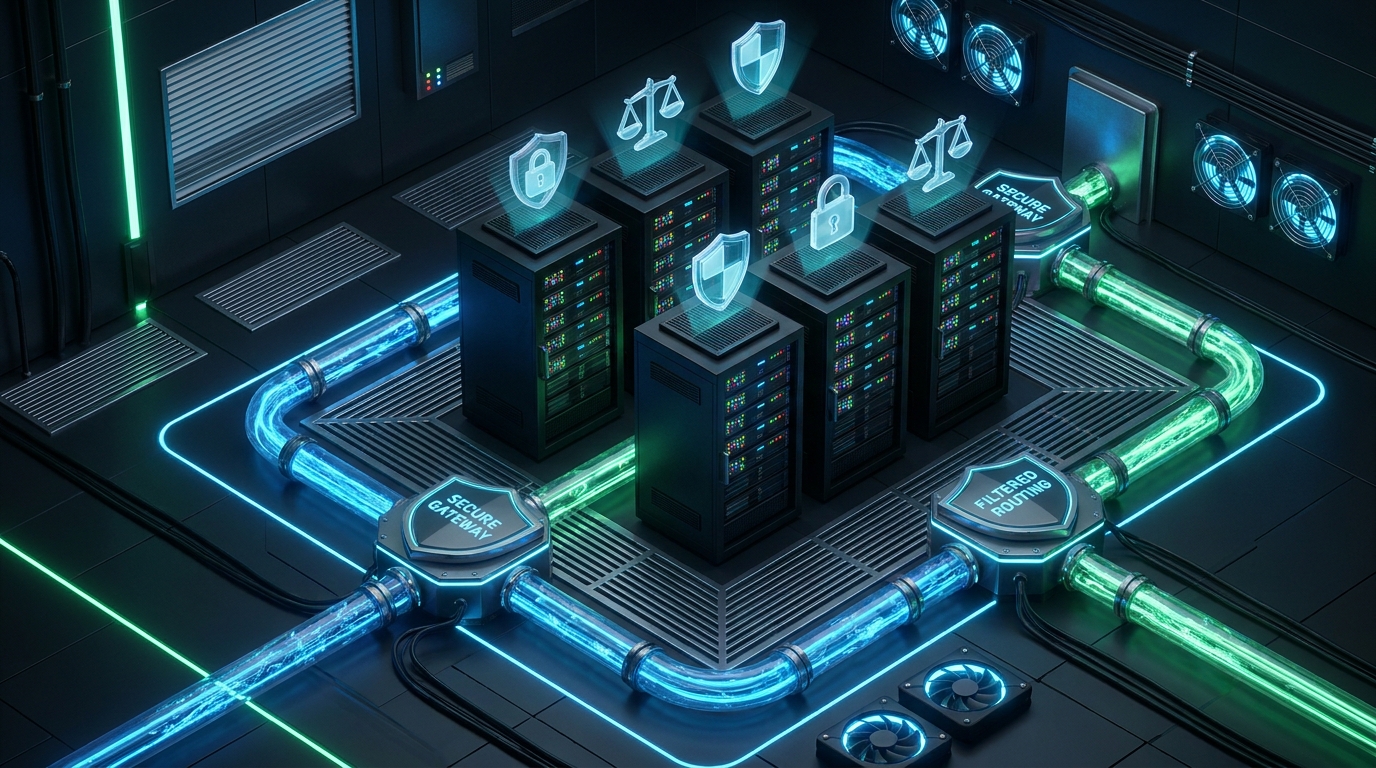
Scaling WhatsApp automation for a multi-tenant SaaS platform or a high-volume marketing agency introduces a critical infrastructure challenge. For many technical founders and lead engineers, an unexpected Evolution api ban can instantly halt customer communications, disrupt critical notifications, and damage sender reputation. While content quality and user reports play a role in WhatsApp bans, the underlying infrastructure, routing logic, and session management architecture are frequently the hidden culprits behind these catastrophic blocks.
When self-hosting an open-source WhatsApp solution, the burden of managing connection stability, message pacing, and webhook feedback loops falls entirely on your engineering team. Without a fault-tolerant architecture, your system is highly susceptible to triggering automated anomaly detection systems. In this comprehensive guide, we will explore the technical triggers behind an Evolution api ban and detail how to architect a safe, scalable, and resilient WhatsApp gateway that protects your business and your clients.
The Technical Triggers Behind an Evolution API Ban
Many developers mistakenly assume that a WhatsApp ban is purely the result of sending spam or promotional messages. While user reports are a significant factor, Meta's automated security systems also monitor the technical behavior of the connected device or API instance. When your self-hosted infrastructure exhibits erratic or unnatural patterns, the risk of an Evolution api ban increases exponentially. Understanding these technical triggers is the first step in architecting a more resilient system.
1. Unmanaged Concurrency and Burst Traffic
One of the most common architectural flaws in early-stage WhatsApp integrations is synchronous message dispatching. When a SaaS application triggers a bulk notification event—such as a system-wide alert or a scheduled marketing campaign—it often attempts to push hundreds of messages through a single WhatsApp session simultaneously. This burst traffic creates unnatural concurrency spikes. Human users do not send fifty messages in a single second. When an Evolution API instance attempts this, it immediately flags the session for anomalous behavior, often resulting in an automated ban before the queue is even processed.
2. Connection Jitter and Rapid Reconnection Loops
Self-hosted environments, particularly those running on under-provisioned virtual machines or unstable network configurations, are prone to connection drops. When an Evolution API server loses its connection to the WhatsApp web socket, poorly configured retry logic can cause the system to rapidly and aggressively attempt reconnections. This "connection jitter" signals to WhatsApp's security algorithms that the client is unstable or potentially malicious. A high frequency of authentication requests and socket drops is a massive red flag that frequently precedes an automated restriction.
3. Ignored Webhook Feedback and Dead-Letter Failures
A robust messaging architecture relies on closed-loop feedback. When messages are sent to invalid numbers, or when a recipient blocks the sender, WhatsApp returns specific error codes and status updates via webhooks. If your infrastructure is not designed to parse, process, and act upon these webhook events, your system will continue attempting to message dead endpoints. Continuously hitting invalid numbers or ignoring block signals degrades the health score of the WhatsApp session, inevitably culminating in an Evolution api ban.
Architecting a Ban-Resistant WhatsApp Infrastructure
To mitigate the risks associated with self-hosting, lead engineers must design a WhatsApp gateway that prioritizes stability, pacing, and observability. A ban-resistant architecture decouples the application logic from the messaging execution, utilizing intermediary services to enforce safe sending practices. Here is a proven framework for building a resilient, high-volume WhatsApp infrastructure.
Step 1: Implement Decoupled Message Queueing
Never send messages synchronously from your core application to your WhatsApp API. Instead, introduce a robust message broker (such as RabbitMQ, Kafka, or AWS SQS) between your SaaS application and your WhatsApp gateway. When a user triggers a message, the application should simply publish an event to the queue and immediately return a success response to the user interface. A dedicated worker service then consumes these events at a controlled, deliberate pace. This decoupling ensures that no matter how large the burst of outgoing messages, the actual API requests made to the WhatsApp session remain steady and natural.
Step 2: Enforce Token Bucket Rate Limiting
To prevent burst traffic from triggering an Evolution api ban, your worker services must implement strict rate-limiting algorithms. The Token Bucket or Leaky Bucket algorithms are highly effective for this use case. By configuring your workers to process a maximum number of messages per minute, and introducing randomized micro-delays (e.g., 1.5 to 3.5 seconds) between each dispatch, you simulate human-like typing and sending behavior. This pacing is critical for maintaining session health, especially when warming up new WhatsApp numbers.
Step 3: Build Intelligent Webhook Routing and Opt-Out Logic
Your architecture must include a highly available webhook ingestion layer. This layer should be responsible for receiving delivery receipts, read receipts, and error codes. When a webhook indicates that a number is invalid or that the sender has been blocked, this event must be immediately routed to a centralized suppression list database. Your message dispatch workers must query this suppression list before sending any new message. By automatically pruning bad numbers from your campaigns, you protect the sender's reputation and significantly reduce the likelihood of a ban.
Multi-Session Load Balancing for High-Volume SaaS
For SaaS platforms and marketing agencies managing hundreds of client accounts or processing massive daily message volumes, relying on a single WhatsApp session is an architectural anti-pattern. To scale safely and avoid a catastrophic Evolution api ban that impacts all users, you must implement multi-session load balancing.
Number Pooling: Instead of routing all traffic through one primary number, distribute the messaging load across a pool of authenticated WhatsApp sessions. By implementing a round-robin or least-connections routing algorithm, you ensure that no single number bears the brunt of high-volume campaigns, keeping the sending velocity of each individual session well within safe limits.
Sticky Sessions for Conversational Continuity: While load balancing is essential for outbound notifications, two-way conversations require sticky sessions. Your gateway must maintain a mapping of recipient phone numbers to the specific WhatsApp session that initiated the conversation. This ensures that when a customer replies, the conversation remains on the same channel, providing a seamless user experience while maintaining the architectural integrity of the load balancer.
Why Developers Migrate to Managed WhatsApp Gateways
Designing, building, and maintaining a fault-tolerant, ban-resistant WhatsApp infrastructure requires significant engineering resources. The hidden costs of self-hosting—managing server uptime, debugging connection jitter, updating core libraries when Meta changes its protocols, and constantly fighting the threat of an Evolution api ban—often outweigh the perceived savings.
This is why forward-thinking technical founders and lead engineers are increasingly migrating to managed WhatsApp gateways like WasenderApi. By abstracting the complex infrastructure layer, WasenderApi allows development teams to focus on building their core SaaS product rather than babysitting web sockets. A managed gateway inherently provides enterprise-grade message queueing, intelligent rate limiting, dynamic session pooling, and reliable webhook delivery out of the box. For specific implementation details and integration strategies, developers can consult the official API documentation.
Conclusion: Prioritizing Infrastructure Health
Preventing an Evolution api ban is not a matter of luck; it is a matter of strict architectural discipline. By moving away from synchronous, unmanaged API calls and embracing a decoupled, queue-driven infrastructure with intelligent rate limiting and multi-session load balancing, you can safeguard your communications. Whether you choose to invest the engineering hours to build this architecture from scratch or leverage a reliable managed partner like WasenderApi, prioritizing infrastructure health is the only sustainable path to scaling high-volume WhatsApp automation.
Frequently Asked Questions (FAQ)
What is the most common technical cause of an Evolution API ban?
The most common technical cause is unmanaged concurrency and burst traffic. Sending hundreds of messages simultaneously without pacing or queueing triggers automated anomaly detection, leading to an immediate restriction.
How can message queueing help prevent a WhatsApp ban?
Message queueing decouples your application from the API execution. By using a broker like RabbitMQ, you can enforce strict rate limits and randomized delays between messages, simulating natural sending behavior and protecting your session health.
Why is webhook management important for session stability?
Webhooks provide critical feedback on message delivery and recipient actions. If your system ignores error codes and continues messaging invalid or blocked numbers, your sender reputation degrades rapidly, increasing the risk of a ban.
Should SaaS platforms use a single WhatsApp session for all traffic?
No. High-volume SaaS platforms should implement multi-session load balancing. Distributing traffic across a pool of numbers reduces the load on any single session, significantly lowering the risk of account restrictions.
Why do developers switch from self-hosted APIs to managed gateways?
Developers migrate to managed gateways like WasenderApi to eliminate the infrastructure burden of maintaining server uptime, managing connection drops, and building complex ban-prevention logic, allowing them to focus on their core product.
Related Posts
n8n + WaSenderAPI: Master WhatsApp Automation Without Code (2025 Guide)
Discover the most affordable WhatsApp automation solution only $6/month with WaSenderAPI combined with no-code n8n workflows. Build perfect, custom WhatsApp automations quickly and easily without coding. Follow our step-by-step guide to save costs while creating powerful, scalable, and secure WhatsApp messaging for your business.

Create a Free WhatsApp AI Chat Bot with Python and Gemini (Full Guide)
Learn how to create a free WhatsApp AI chatbot using Python, Google’s Gemini API, and WaSenderAPI. This step-by-step guide helps you build and deploy an intelligent WhatsApp assistant at minimal cost no need for WhatsApp Business API.

WhatsApp API Rate Limits Explained: How to Scale Messaging Safely in 2025
Struggling with WhatsApp messaging restrictions? Learn how Meta's tier system works, how to upgrade your daily limits, and how to scale your broadcasts safely without getting banned.