
How to Send QR Codes via WhatsApp API: Automate Event Ticketing in 2025
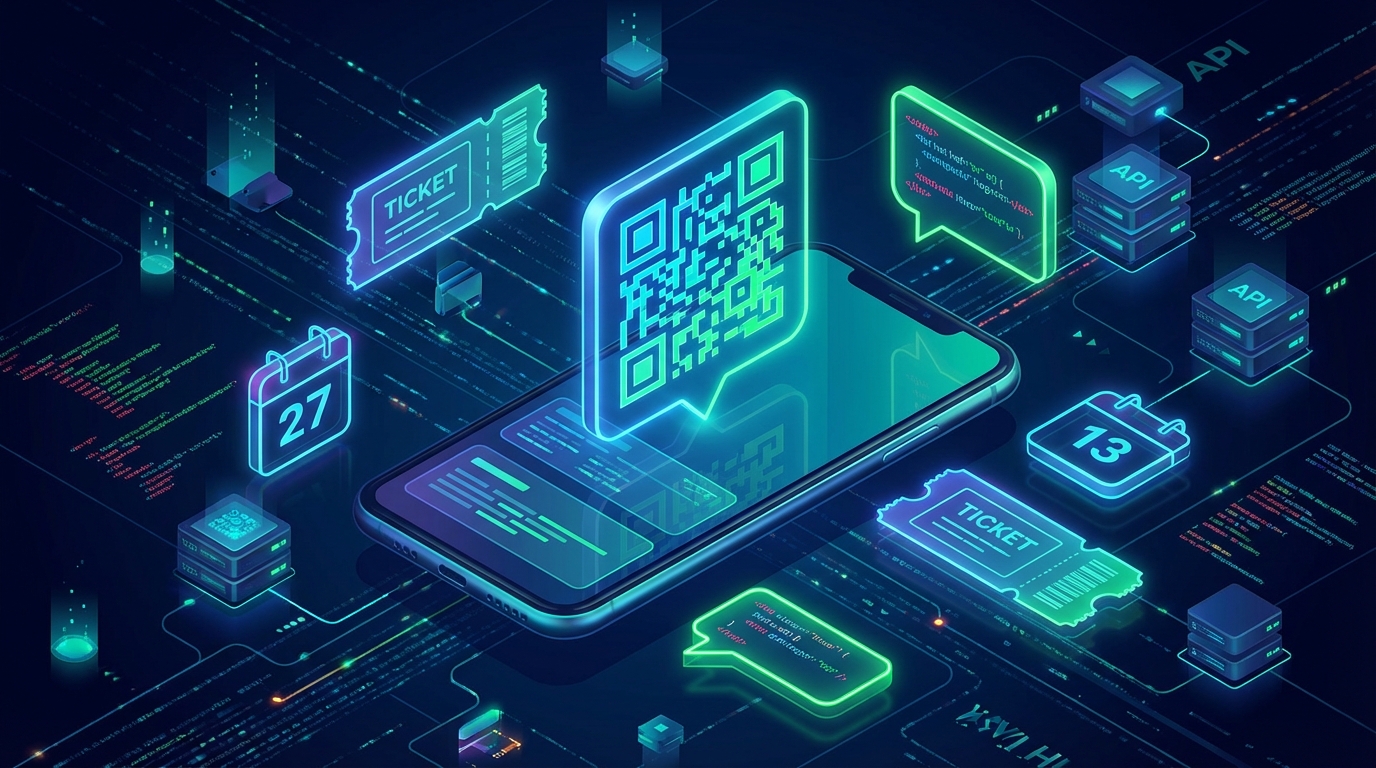
Email open rates are plummeting, and when it comes to urgent transactional messages like event tickets or boarding passes, that is a massive problem. If your customers are digging through their spam folders while standing in line at your venue, your customer experience is already broken.
Today's consumers expect instant, frictionless access to their purchases. If you want to guarantee your attendees receive their passes instantly and securely, you need to learn how to send QR codes via WhatsApp API. With WhatsApp boasting a staggering 98% open rate, delivering media directly to a user's most trusted inbox is the ultimate growth hack for modern businesses.
In this comprehensive guide, we will break down the exact architecture, business use cases, and security best practices for delivering dynamic e-tickets directly through WhatsApp.
Why You Must Send QR Codes via WhatsApp API in 2025
Relying on traditional email for ticketing is a legacy practice that costs you time, money, and customer satisfaction. When you shift your infrastructure to WhatsApp, you unlock a level of engagement that email simply cannot match.
First, consider the sheer speed of delivery. WhatsApp messages are typically read within the first three minutes of receipt. When a customer purchases a ticket, receiving that QR code instantly on their phone provides immediate psychological reassurance that their transaction was successful.
Second, WhatsApp offers unparalleled offline accessibility. Once a media message (like a QR code image) is downloaded to the user's device, it remains accessible even if the user loses cellular reception at a crowded concert venue or airport terminal. This drastically reduces the friction at entry points.
Finally, WhatsApp creates a two-way communication channel. Instead of a dead-end "no-reply" email, sending tickets via WhatsApp opens the door for users to ask questions about parking, event times, or venue rules, directly within the same chat thread.
Top 5 Profitable Use Cases for WhatsApp QR Code Delivery
While concert ticketing is the most obvious application, the ability to automate media delivery through WhatsApp extends to dozens of different industries. Here are the most profitable ways businesses are using this technology today.
1. Event and Conference Ticketing
Whether you are hosting a massive music festival or a boutique B2B conference, entry management is critical. By automating QR code delivery, you eliminate the need for physical printing and reduce the bottleneck at the registration desk. Attendees simply flash their chat screen, get scanned, and walk in.
2. Airline Boarding Passes and Travel Itineraries
Travelers are constantly on the move and often juggling luggage. Forcing them to navigate a clunky airline app or search their email for a boarding pass is frustrating. Forward-thinking travel agencies and airlines are now sending scannable boarding passes directly to WhatsApp, complete with terminal updates and gate changes.
3. Gym Memberships and Access Control
Modern fitness centers are ditching physical key fobs in favor of digital access. By integrating your gym management software with WhatsApp, you can issue dynamic, time-sensitive QR codes for daily guest passes or recurring member check-ins. This cuts down on hardware costs and prevents credential sharing.
4. Retail Discount Codes and Loyalty Programs
E-commerce and brick-and-mortar stores can drive massive foot traffic by sending personalized QR coupons. Instead of a generic promo code, sending a scannable barcode or QR code that can be scanned at the physical checkout counter bridges the gap between online marketing and offline sales.
5. Secure Package Lockers and Delivery Verification
Logistics companies are using WhatsApp to send one-time-use QR codes to customers. When a package is dropped at a secure smart locker, the customer receives the code via WhatsApp, which they then scan at the locker kiosk to retrieve their goods safely and securely.
Core Architecture: How to Send QR Codes via WhatsApp API
To successfully automate this process, you need a robust technical workflow. Unlike sending simple text messages, delivering scannable tickets requires handling media files efficiently. Here is the strategic blueprint for building your integration.
Step 1: Dynamic QR Code Generation
The first step happens within your own backend infrastructure. When a user completes a purchase or triggers an event, your system must generate a unique data payload. This payload usually contains a secure, encrypted string (like a ticket ID or a user token). You will then use a library to convert this string into a high-resolution PNG or JPG image of a QR code.
Step 2: Secure Media Hosting
WhatsApp's infrastructure requires media files to be hosted on a publicly accessible URL before they can be transmitted via the API. Once your system generates the QR code image, you must temporarily store it on a secure server or a cloud storage bucket (like AWS S3). Ensure the URL is accessible but securely obfuscated so malicious actors cannot scrape your ticket database.
Step 3: Pushing the Message via the API
Once the image is hosted, you will construct an API payload that instructs WhatsApp to fetch the image and deliver it to the user's phone number. You will use the media message endpoint, attaching the image URL and a helpful text caption. For the exact endpoints, request structures, and parameter requirements, please refer to the official API documentation.
Security and Anti-Fraud Best Practices
Ticketing fraud is a multi-million dollar problem. If you are sending digital passes, you must ensure that bad actors cannot easily duplicate or forge your QR codes. Here are the security measures you must implement.
Use Cryptographic Signatures: Never store plain-text data (like "Ticket-1234") inside the QR code. Instead, use a cryptographically signed JSON Web Token (JWT) or a hashed string. When the QR code is scanned at the door, your scanner app should verify the signature against your server to ensure the ticket was generated by you and hasn't been tampered with.
Implement Time-Based Expiration: For highly secure environments, consider using dynamic QR codes that refresh every 60 seconds. While this requires the user to have an internet connection, it makes screenshotting and reselling tickets completely impossible.
Track Scan Status in Real-Time: Your database must instantly log when a QR code is scanned and mark that specific token as "used." If someone attempts to scan a duplicated screenshot of the same WhatsApp message 10 minutes later, the scanner should flash a bright red "Already Admitted" warning.
User Experience (UX) Rules for WhatsApp E-Tickets
Delivering the ticket is only half the battle; ensuring the user knows how to use it is equally important. A poor user experience will result in a flood of unnecessary customer support messages.
- Always Include a Caption: Never send a naked image. Attach a clear caption that includes the event name, date, time, and the explicit instruction: "Please have this QR code open and your screen brightness turned up when approaching the gate."
- Provide Fallback Text: Screens crack, and cameras fail. Always include the alphanumeric ticket ID in the text caption so gate agents can manually type the code into their system if the barcode won't scan.
- Send a Reminder Broadcast: Use the API to schedule a follow-up message 2 hours before the event starts. A simple "We are excited to see you! Here is your ticket again for easy access" will dramatically speed up the entry line.
Tracking and Analytics: Measuring Your Success
One of the greatest advantages of using a modern messaging API is the wealth of analytics at your fingertips. You are no longer guessing if a user saw their ticket.
By monitoring webhook events, you can track exactly when the message was delivered and when it was read (the coveted blue ticks). If a message fails to deliver because the user entered an invalid phone number during checkout, your system can automatically trigger a fallback email or an SMS alert.
Furthermore, by cross-referencing your API delivery logs with your physical door-scan logs, you can calculate your exact show-up rate. This data is invaluable for marketing teams looking to optimize future campaigns and reduce no-show rates.
Conclusion: Upgrade Your Ticketing Infrastructure Today
The era of forcing customers to dig through cluttered email inboxes or download clunky third-party apps is officially over. By leveraging modern messaging infrastructure, you can put the power of instant access directly into the palm of your customer's hand.
Whether you are running a boutique fitness studio, a massive airline, or a local music venue, the ability to automate media delivery is a game-changer. Now that you understand the strategy and architecture required to send QR codes via WhatsApp API, it is time to build a frictionless, secure, and highly engaging ticketing experience for your audience.
Related Posts

n8n + WaSenderAPI: Master WhatsApp Automation Without Code (2025 Guide)
Discover the most affordable WhatsApp automation solution only $6/month with WaSenderAPI combined with no-code n8n workflows. Build perfect, custom WhatsApp automations quickly and easily without coding. Follow our step-by-step guide to save costs while creating powerful, scalable, and secure WhatsApp messaging for your business.

Create a Free WhatsApp AI Chat Bot with Python and Gemini (Full Guide)
Learn how to create a free WhatsApp AI chatbot using Python, Google’s Gemini API, and WaSenderAPI. This step-by-step guide helps you build and deploy an intelligent WhatsApp assistant at minimal cost no need for WhatsApp Business API.
How to Send OTP for Password Recovery Using PHP And Whatsapp API
Learn how to send OTPs for password recovery using PHP and Whatsapp API. This guide covers the step-by-step process of integrating WhatsApp OTPs, providing a secure and efficient solution for user authentication. Discover how to generate and send OTPs, validate them, and enhance security using the reliable WASenderAPI for seamless password recovery