
GoHighLevel WhatsApp API Integration: The Ultimate Agency Automation Guide
For marketing agencies and SaaS platforms running on GoHighLevel (GHL), client communication is the lifeblood of retention and conversion. While GHL offers robust native tools for email and SMS, agencies operating globally—or those seeking higher engagement rates—often hit a wall with traditional text messaging. SMS can be expensive, lacks rich media capabilities, and suffers from carrier filtering. This is where implementing a custom gohighlevel whatsapp api integration becomes a game-changer.
By connecting GoHighLevel to a scalable WhatsApp infrastructure, agencies can deploy automated lead nurturing, appointment reminders, and customer support workflows directly to their clients' most used messaging app. In this guide, we will explore how to architect a reliable GoHighLevel WhatsApp API integration, manage multi-tenant agency accounts, and build fault-tolerant automation pipelines using WasenderApi.
Why Agencies Need a GoHighLevel WhatsApp API Integration
Agencies scaling multiple sub-accounts in GoHighLevel face unique challenges. Relying solely on native Twilio SMS can lead to skyrocketing costs, especially for international clients. Integrating WhatsApp solves several critical operational bottlenecks:
- Cost Predictability: Bypassing traditional telecom carriers reduces the variable costs associated with international SMS segments.
- Rich Media Delivery: Unlike standard SMS, WhatsApp allows agencies to automate the delivery of PDFs, images, videos, and interactive buttons for lead magnets and event tickets.
- Higher Engagement Rates: WhatsApp boasts significantly higher open and read rates compared to email and SMS, making it ideal for critical touchpoints like webinar reminders and no-show reactivation campaigns.
- Global Reach: For agencies targeting markets in Latin America, Europe, or Asia, WhatsApp is the default communication channel, making it a mandatory integration for local lead generation.
Architectural Overview: Connecting GHL to WhatsApp
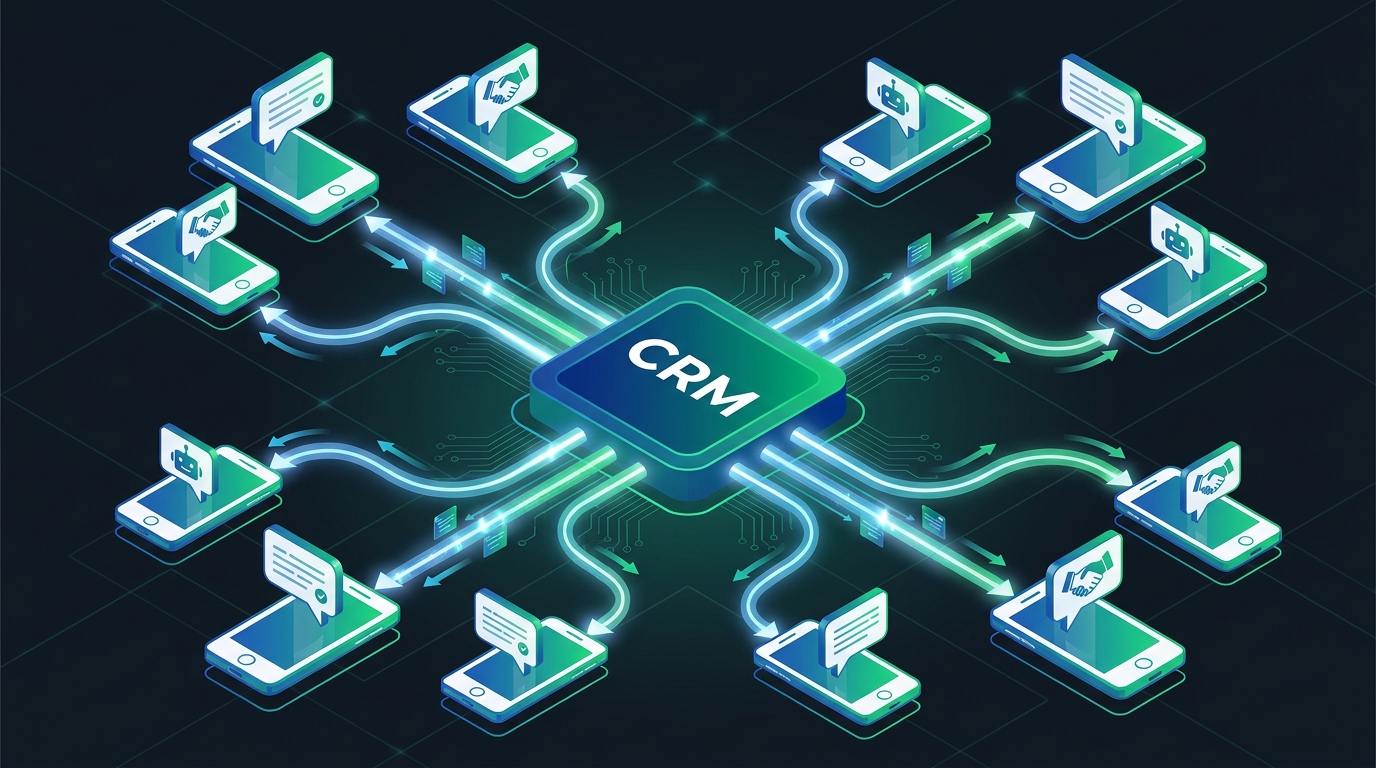
To build a robust gohighlevel whatsapp api integration, you must bridge the gap between GHL's internal workflow engine and the external messaging network. Because agencies manage dozens or hundreds of clients, a multi-tenant architecture is essential. Instead of hardcoding API keys for every client, lead engineers typically use an event-driven webhook architecture.
The standard data flow looks like this:
- The Trigger: A contact action occurs in a GoHighLevel sub-account (e.g., a new lead form submission or an appointment booking).
- The Webhook: GoHighLevel's workflow engine fires a Premium Webhook containing the contact's payload (name, phone number, custom fields).
- The Middleware: An automation platform like Make, n8n, or a custom Node.js microservice receives the webhook, parses the data, and determines which client session should send the message.
- The Execution: The middleware sends a POST request to WasenderApi, instructing it to dispatch the WhatsApp message from the specific client's authenticated session.
This decoupled approach ensures that if a single client's session disconnects, the rest of the agency's infrastructure remains unaffected.
Step-by-Step Framework for GoHighLevel WhatsApp API Automation
Implementing this architecture requires a systematic approach to session management and data routing. Here is the framework for deploying WhatsApp automation across your GoHighLevel agency.
1. Establishing Multi-Tenant Session Management
The foundation of an agency-grade integration is multi-session management. Each GoHighLevel sub-account represents a different client business, which means each requires its own dedicated WhatsApp number. Using WasenderApi, you can programmatically create and manage isolated instances for every client. This ensures that Client A's leads never receive messages from Client B's phone number. Proper session isolation is critical for maintaining data privacy and campaign integrity.
2. Configuring GoHighLevel Webhooks
Inside GoHighLevel, navigate to the Automation tab and create a new Workflow. Set your trigger (such as 'Appointment Status Updated'). Add a 'Webhook' action. This webhook will point to your middleware endpoint. Ensure you pass all relevant variables in the payload, including the contact's phone number, first name, and a unique identifier for the sub-account (Location ID). This Location ID is vital for routing the message to the correct WasenderApi session.
3. Formatting Phone Numbers and Payloads
One of the most common failure points in a gohighlevel whatsapp api setup is improper phone number formatting. WhatsApp requires numbers to be in international format without the '+' symbol or leading zeros. Your middleware must include a data-cleaning step to strip out hyphens, spaces, and special characters from the GHL payload before passing the request to the messaging API. For detailed parameter requirements and endpoint structures, consult the official API documentation.
4. Handling Inbound Replies and Routing
Automation is a two-way street. When a lead replies to an automated WhatsApp message, that reply needs to sync back into the GoHighLevel Conversations tab. This is achieved by setting up an inbound webhook in WasenderApi. When a message is received, WasenderApi pushes the payload to your middleware. The middleware then uses the GoHighLevel API to append the message to the correct contact record, notifying the client that a lead has responded.
Top GoHighLevel WhatsApp Automation Workflows
Once the infrastructure is connected, agencies can deploy high-value workflows that directly impact client ROI. Here are three essential use cases to build:
- Instant Lead Magnet Delivery: When a user submits a Facebook Lead Ad connected to GHL, immediately trigger a WhatsApp message containing the promised PDF or link. This establishes instant rapport and bypasses the spam folder.
- Appointment Reminders & Confirmations: Reduce no-show rates by sending automated WhatsApp reminders 24 hours and 1 hour before a scheduled consultation. Include interactive options for the user to confirm or reschedule.
- Failed Payment Recovery (Dunning): For SaaS clients or membership businesses using GHL, trigger a polite WhatsApp notification when a Stripe payment fails, providing a direct link to update billing details.
Infrastructure Best Practices for High-Volume Agencies
Scaling a gohighlevel whatsapp api integration from 5 clients to 500 requires strict adherence to infrastructure best practices. Agencies must implement intelligent message queueing to prevent rate-limit errors. If a client imports a list of 5,000 contacts and triggers a bulk workflow, blasting all 5,000 requests simultaneously can cause network timeouts or flag the account for suspicious behavior.
Implement a queueing system (like Redis or built-in delays in your middleware) to throttle outbound messages. Space out bulk campaigns to mimic human behavior. Additionally, ensure you have robust error handling in place. If a message fails because a phone number does not have an active WhatsApp account, your middleware should catch the error and automatically fallback to a standard GHL SMS or email.
Frequently Asked Questions
Can I connect multiple client WhatsApp numbers to GoHighLevel?
Yes. By using a multi-session infrastructure like WasenderApi, agencies can authenticate separate WhatsApp sessions for each GoHighLevel sub-account and route messages dynamically using Location IDs and webhooks.
Is a GoHighLevel WhatsApp API integration better than SMS?
For international audiences and high-engagement campaigns, WhatsApp offers significantly higher open rates, supports rich media, and often results in a lower variable cost compared to traditional cross-border SMS.
How do inbound WhatsApp messages appear in GoHighLevel?
Inbound messages are captured via webhooks, which can then be routed through automation middleware directly into the GoHighLevel conversations tab using the official GHL API, allowing clients to reply natively.
Conclusion
Building a custom gohighlevel whatsapp api integration is one of the most powerful ways an agency can differentiate its service offering. By moving beyond basic SMS and leveraging the global reach of WhatsApp, you can provide clients with superior lead engagement, reduced communication costs, and highly automated retention workflows. By utilizing a scalable backend like WasenderApi, managing multi-tenant sessions becomes a streamlined, reliable process, allowing you to focus on crafting campaigns that convert rather than troubleshooting disconnected infrastructure.
Related Posts

n8n + WaSenderAPI: Master WhatsApp Automation Without Code (2025 Guide)
Discover the most affordable WhatsApp automation solution only $6/month with WaSenderAPI combined with no-code n8n workflows. Build perfect, custom WhatsApp automations quickly and easily without coding. Follow our step-by-step guide to save costs while creating powerful, scalable, and secure WhatsApp messaging for your business.

Create a Free WhatsApp AI Chat Bot with Python and Gemini (Full Guide)
Learn how to create a free WhatsApp AI chatbot using Python, Google’s Gemini API, and WaSenderAPI. This step-by-step guide helps you build and deploy an intelligent WhatsApp assistant at minimal cost no need for WhatsApp Business API.

WhatsApp API Rate Limits Explained: How to Scale Messaging Safely in 2025
Struggling with WhatsApp messaging restrictions? Learn how Meta's tier system works, how to upgrade your daily limits, and how to scale your broadcasts safely without getting banned.